AXIOMINFERENCE
Desktop AI assistant · Windows
Axiom
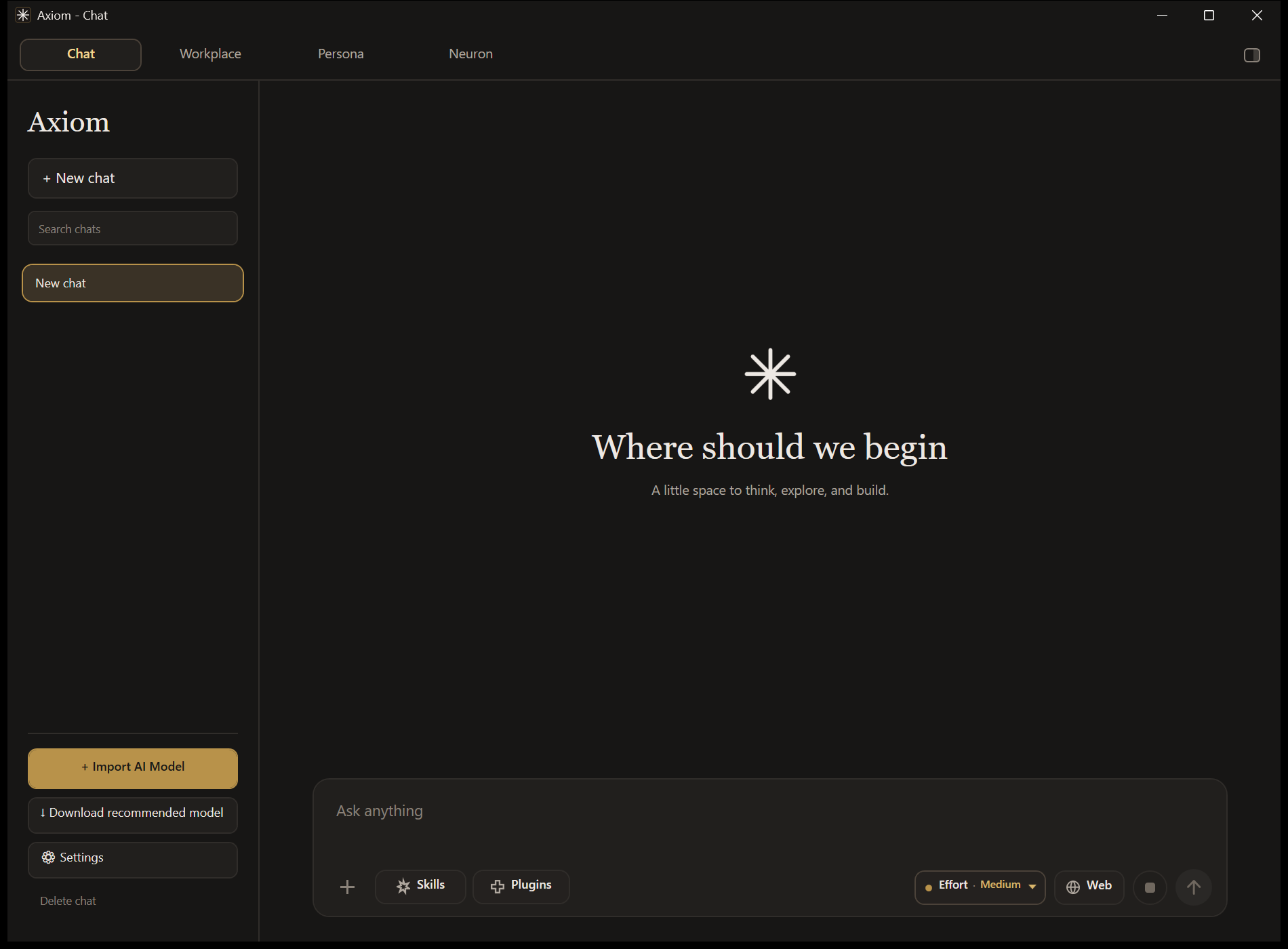
A free, local-first AI assistant and agentic workspace. Run GGUF models on your own hardware, point Axiom at a server you control, or use cloud models with your own key. Your chats, models and data stay on your computer unless you deliberately reach out.

- Latest release
- —
- Released
- —
- Last commit
- —
- Platform
- Windows x64
- GitHub stars
- —
One workspace that adapts to the model you give it.
Axiom measures a local model's parameter count and scales context budgets, tool routing and prompt complexity to match — so a 0.5B model and a 70B model both produce usable results instead of the small one collapsing.
Local-first by default
Chats, API keys, connector tokens, models and Workplace sessions live in %LOCALAPPDATA%\Axiom and are never placed inside release packages.
Chat & Workplace
Everyday chat with every tool available, plus a multi-agent Workplace for work that takes more than one pass.
Tools that actually run
Python and Java sandboxes, a calculator, multi-source web search with trust scoring, and controlled codebase access.
Updates itself
Checks the stable GitHub Releases feed at startup, verifies the package, and restarts in place — leaving your chats, models and settings untouched.
Three ways to run a model.
All three are first-class. Attachments, Skills, tools, Project Canvas and memory behave the same way whichever one is selected.
| Runs on | You need | Good for | |
|---|---|---|---|
| Local | Your GPU/CPU via llama.cpp | A GGUF model | Full privacy, offline work, no per-token cost |
| Hybrid Local | Your own server | An OpenAI-compatible endpoint | Your own hardware, reachable from anywhere — this is how Axiom talks to a self-hosted Kestrel 1 |
| Cloud | OpenRouter | Your own API key | Frontier-class models when you want them |
Workplace
A multi-agent workspace for work that takes more than one pass.
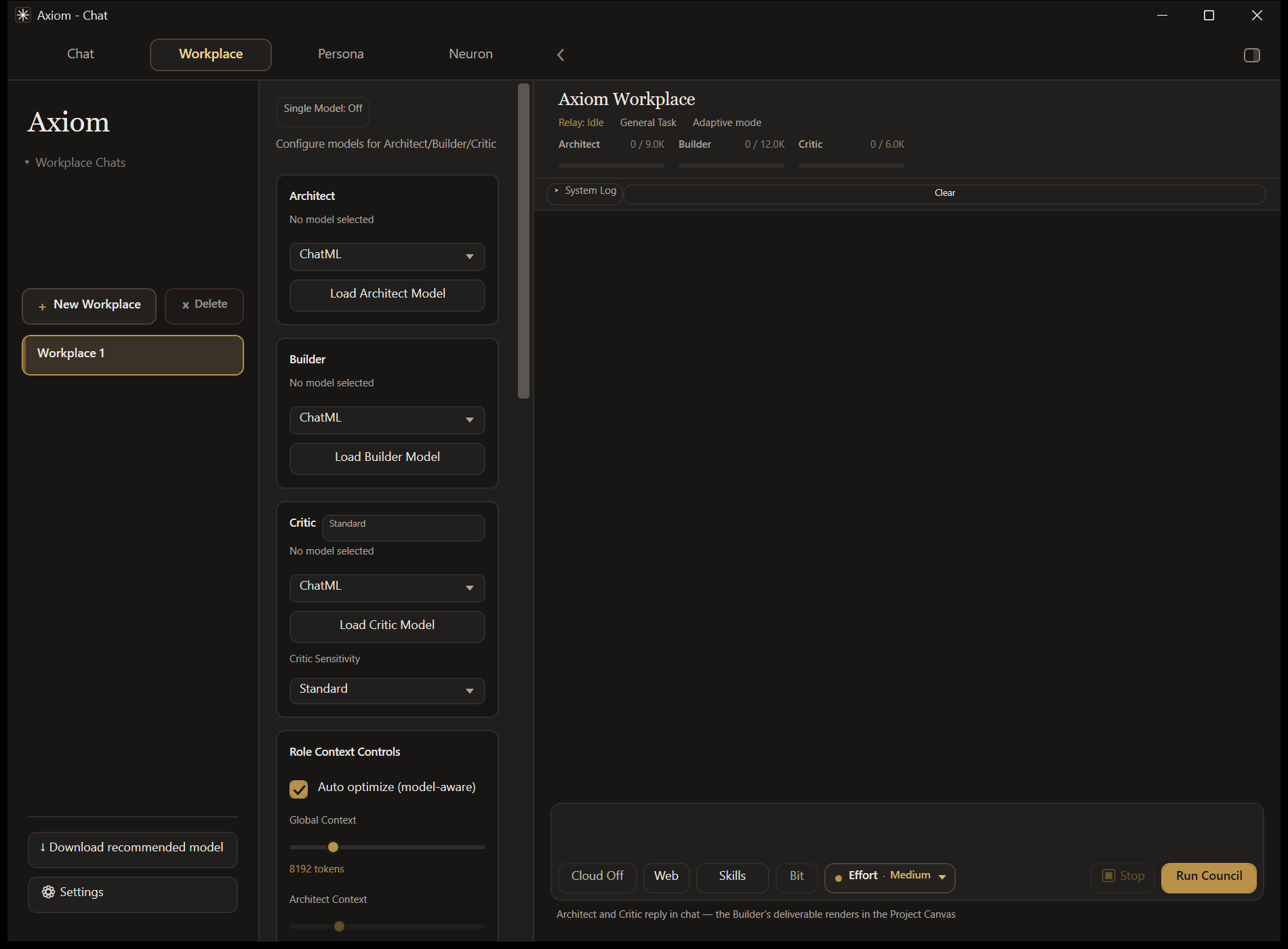
Council mode runs three roles in sequence: an Architect plans the task, a Builder produces the deliverable, and a Critic reviews it and can send it back for a targeted revision.
Single Model mode collapses those handoffs into one agent that plans, uses tools, executes and verifies its own result. Switch between them from the Workplace header whenever a run isn't active.
- Persistent sessions, task history and per-role context controls
- Live activity and completion notifications
- Project Canvas: type
@ProjectCanvasand ask for a file — arequirements.txt, adocker-compose.yml, a CSV — and it appears under its real name in a resizable side pane. CSV renders as a table, Markdown renders, HTML and SVG keep their preview.
Agents that can act on your machine — on your terms.
Two opt-in Workplace features let a model operate the computer directly. You choose how much rope each one gets.
Computer Agent
Turn it on in the Workplace sidebar and the model works the way a terminal coding agent does — running commands, reading and writing files, searching the disk — then answers from what it actually found.
It has eight tools: run_command, read_file, write_file, append_file, edit_file, list_directory, find_files and search_text. Before a run may finish, Axiom checks the claimed result against the disk: a summary listing files that were never written is sent back to the agent to fix.
| Mode | Behaviour |
|---|---|
| Manual | Stops before every command and file change: Approve, Always allow this, or Deny. |
| Auto | Runs without stopping to ask. |
Always refused, in both modes: formatting a drive, repartitioning, deleting a drive root, rewriting boot configuration, wiping free space, shutting the machine down, and writing into Windows system folders. The patterns are narrow — rm -rf ./build and git reset --hard run normally. Whole-computer scope and Auto mode each need an explicit confirmation.
Computer Use
Type @ComputerUse followed by a goal in the Workplace composer and Axiom drives the desktop directly: screen capture, planning, mouse and keyboard, and verification that the action actually landed.
@ComputerUse open Notepad and type hello
It needs a vision-capable model (a cloud vision model, or a local GGUF with a projector). Axiom probes the active model first and tells you plainly why a run can't start rather than failing halfway. Sessions run in a dedicated window with a visible pointer overlay, an action log, and safety checks on navigation and target selection.
Computer Agent works on Local, Hybrid Local and Cloud. Capable models get JSON tool calls and a long step budget; sub-4B models get a flat text protocol they can actually produce, so the feature still works on a small local model.
Skills & Plugins
Reusable procedures that deliver real artifacts.
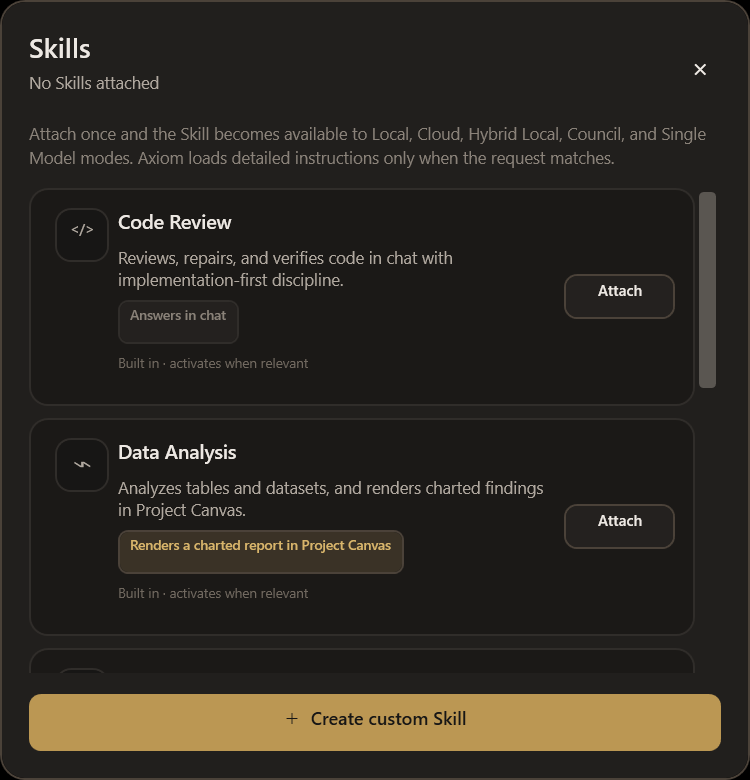
Skills apply across Local, Cloud, Hybrid Local, Council and Single Model. Some answer in chat; others render a finished artifact in Project Canvas.
| Skill | Delivers |
|---|---|
| Slide Deck Studio | A navigable 16:9 deck with arrow-key navigation and speaker notes |
| PDF Studio | A print-ready document with a proper print layout |
| Data Analysis | A charted report with inline SVG charts and the figures beneath them |
| Document Summarizer | A traceable summary in chat |
| Code Review | A review in chat |
It works on small models too. A sub-4B model can't reliably author a self-contained HTML document, so below that threshold the model supplies a short structured outline and Axiom builds the artifact itself. Custom Skills are instructions, never scripts — they can't execute arbitrary code.
Plugins
Capability bundles a model uses consistently.
Plugins package capabilities Axiom already has — and never grant one the current model or host doesn't actually expose.
Themes, and a live map of what Axiom is doing.
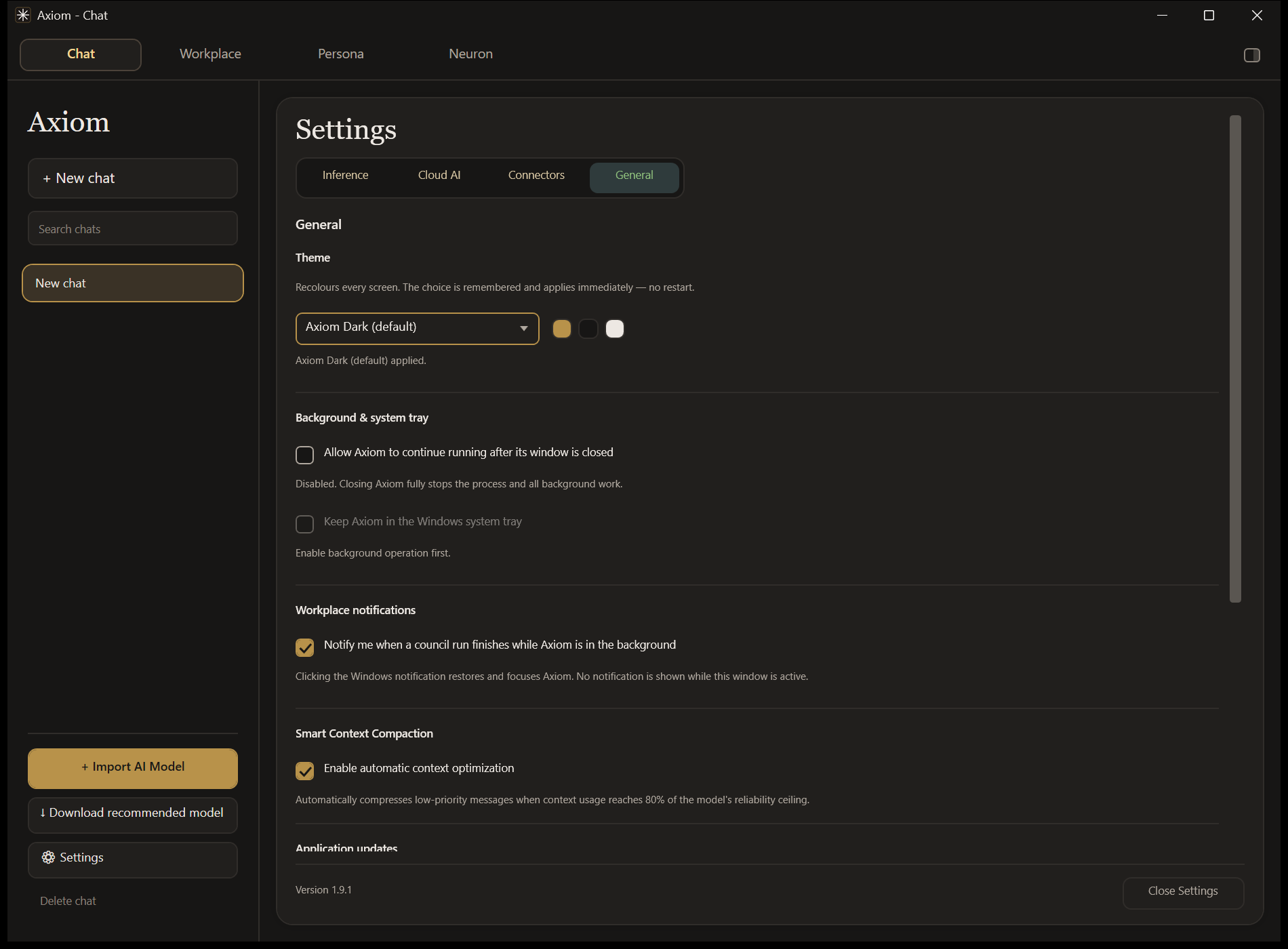
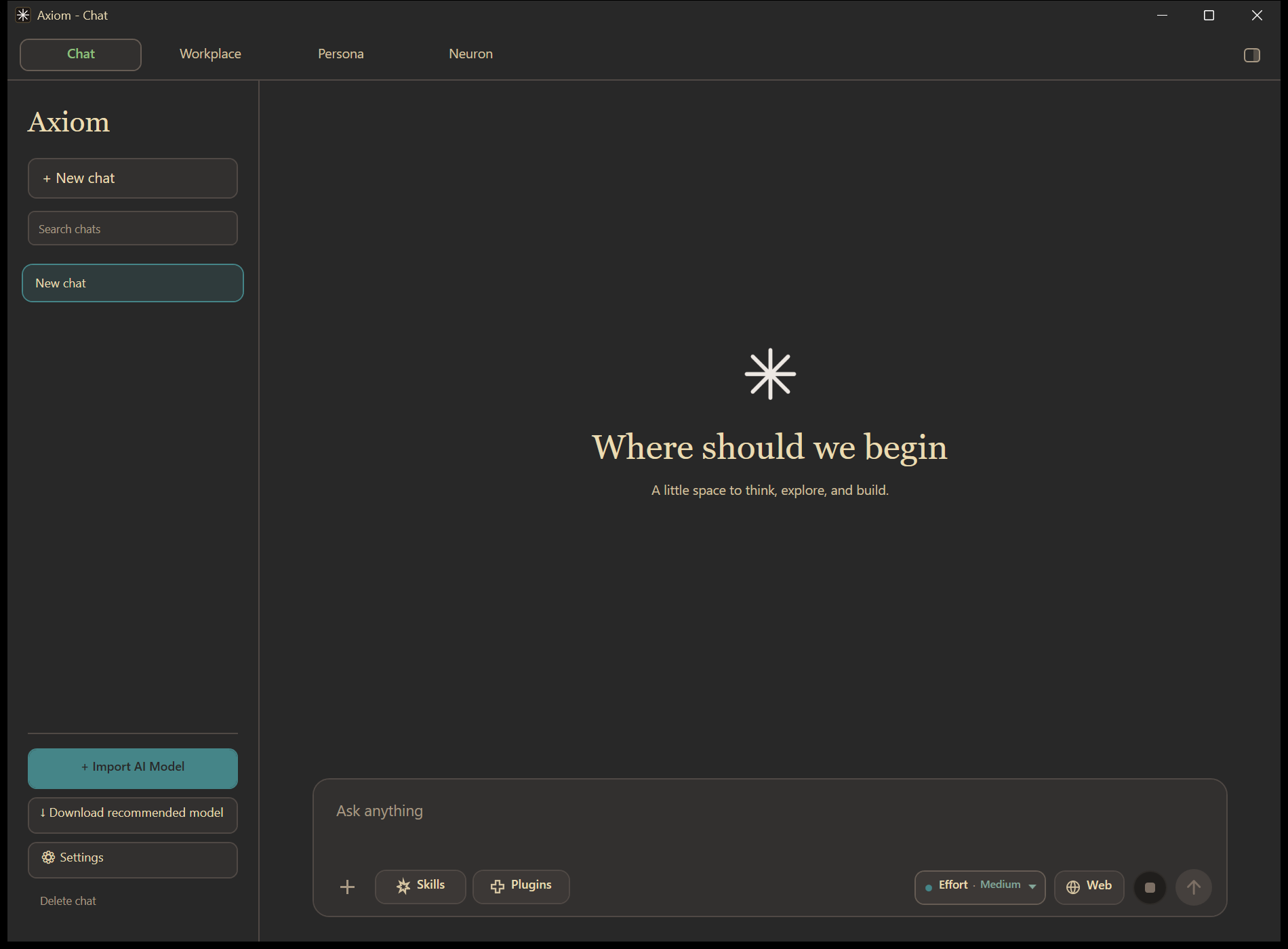
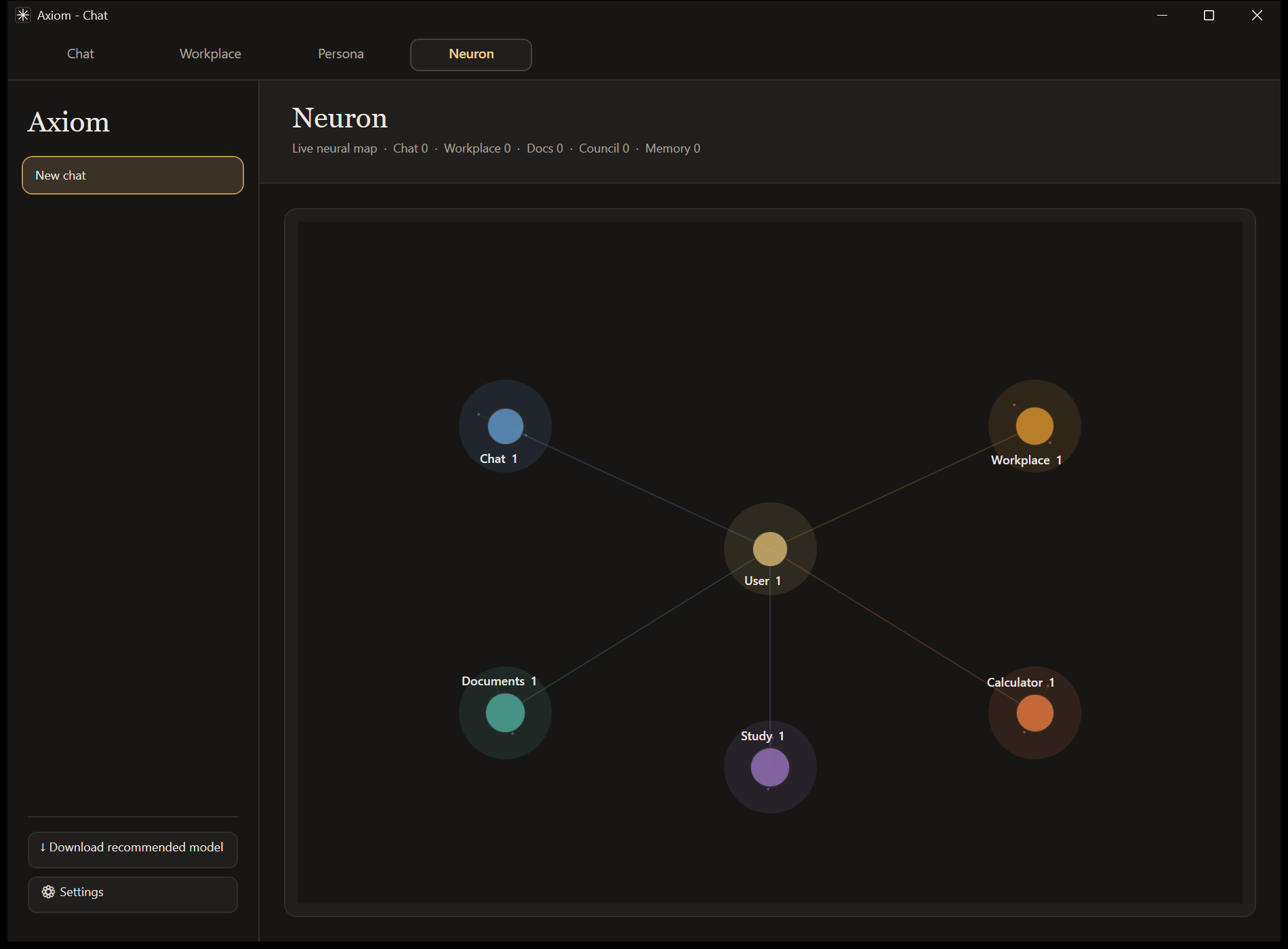
Switch the whole app between themes instantly from Settings → General — no restart, remembered, and reaching every surface down to the native title bar. Neuron shows active sessions, tool usage and activity across Chat, Workplace, Documents, Study and Calculator.
Tools, memory and privacy.
Your data lives in %LOCALAPPDATA%\Axiom; debug runs use a separate profile. Nothing personal is ever packaged into a release.
| Calculator | Scientific expressions and unit conversions |
| Python sandbox | Persistent session, bounded execution, chart capture |
| Java sandbox | Compile and run Java for supported Workplace tasks |
| Web search | Multi-source querying, deduplication, trust scoring, synthesis |
| Codebase access | Inspect and patch an explicitly connected workspace, with validation |
| Session memory | In-session episodic context for Workplace roles and study sessions |
| Persona memory | Persistent preferences stored locally |
| Context compaction | Keeps important requirements intact as conversations grow |
With background operation and the system tray both on, closing the window hides Axiom in the tray instead of ending work in progress; Exit Axiom in the tray menu stops the process completely.
Get started in five steps.
- Download the latest Windows ZIPFrom the Releases page — the button below always points at the newest one.
- Extract the whole folderDon't run the executable from inside the ZIP.
- Launch
Malx_AI.exeSelf-contained; no .NET install needed. - Pick how it runs a modelImport or install a GGUF, configure Hybrid Local, or add an OpenRouter key.
- Open Chat, or head to WorkplaceThat's it — updates arrive in-app after this.
System requirements
- OS
- Windows 10 or 11 (64-bit)
- RAM
- 4 GB minimum; 16 GB recommended for local models
- CPU
- Modern x64
- GPU
- Optional NVIDIA CUDA acceleration
- Runtime
- Self-contained release
Updating
Axiom checks the stable Releases feed at startup. Use the in-app notice or Settings → General → Check for updates: it downloads and verifies the package, stages it outside the install directory, replaces only package-managed files after shutdown, and restarts in place.
License
CC BY-NC-ND 4.0. The source is publicly viewable, but it may not be redistributed, modified, or used commercially without permission from the author.
Built with C# · WPF · .NET 10 · LLamaSharp / llama.cpp (CUDA 12) · Python.Included · Markdig · KaTeX · SQLite · WebView2.